

For growing startups, reporting can quickly become a repetitive operational task. Teams often collect information from spreadsheets, CRMs, accounting platforms, marketing tools, IoT devices, internal applications, or other business systems before turning it into weekly or monthly reports.
As data sources increase, this process becomes harder to manage manually. Employees spend time exporting information, checking data, updating spreadsheets, preparing dashboards, and sharing reports instead of focusing on higher-value work.
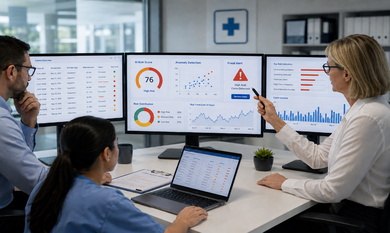
Manual reporting automation can help startups streamline this entire process by connecting different data sources, automating data processing, and delivering useful information through dashboards, alerts, or scheduled reports.
Why Manual Reporting Becomes a Productivity Problem
Manual reporting may seem manageable when a startup has only a few data sources. However, as operations grow, the reporting process can involve multiple people and systems.
For example, a team may export sales data from a CRM, marketing data from advertising platforms, financial information from accounting software, and operational data from internal systems. Someone then must combine these datasets, check formulas, remove inconsistencies, create charts, and distribute the final report.
Repeating this process every week or month consumes valuable employee time. It can also introduce errors and make it difficult for decisionmakers to access the latest information.
How Reporting Automation Improves Startup Productivity
Automated reporting can replace repetitive manual steps with a connected workflow.
Instead of collecting information manually, software can retrieve data through APIs, databases, integrations, or connected devices. The system can then process the information according to predefined business rules and display it through dashboards or automated reports.
This can help startups:
- Reduce repetitive data-entry work
- Minimize copy-and-paste errors
- Standardize KPI calculations
- Improve access to real-time information
- Reduce reporting turnaround time
- Give teams more time for analysis and decision-making
- Create a scalable reporting process as data volume increases
The objective is not simply to generate reports faster. It is to create a reliable flow of information from the original data source to the people who need it.
What Startup Reports Can Be Automated?
Many recurring reports can be converted into automated workflows.
Common examples include:
- Sales and pipeline reports
- Marketing performance reports
- Customer acquisition reports
- Revenue dashboards
- Inventory reports
- Operational performance reports
- Product usage reports
- Customer support reports
- Management dashboards
- Investor reporting
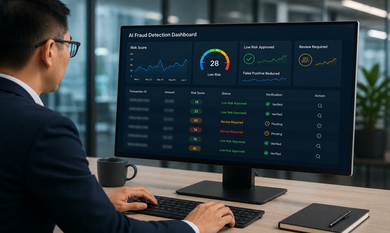
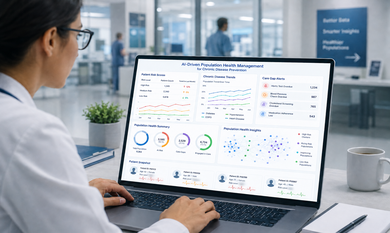
For example, an automated KPI reporting system can collect information from CRM, finance, analytics, and operational platforms and bring it into one dashboard.
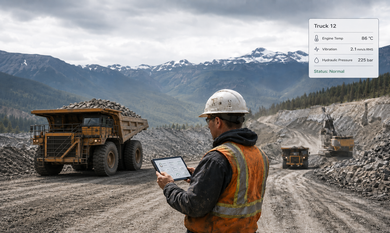
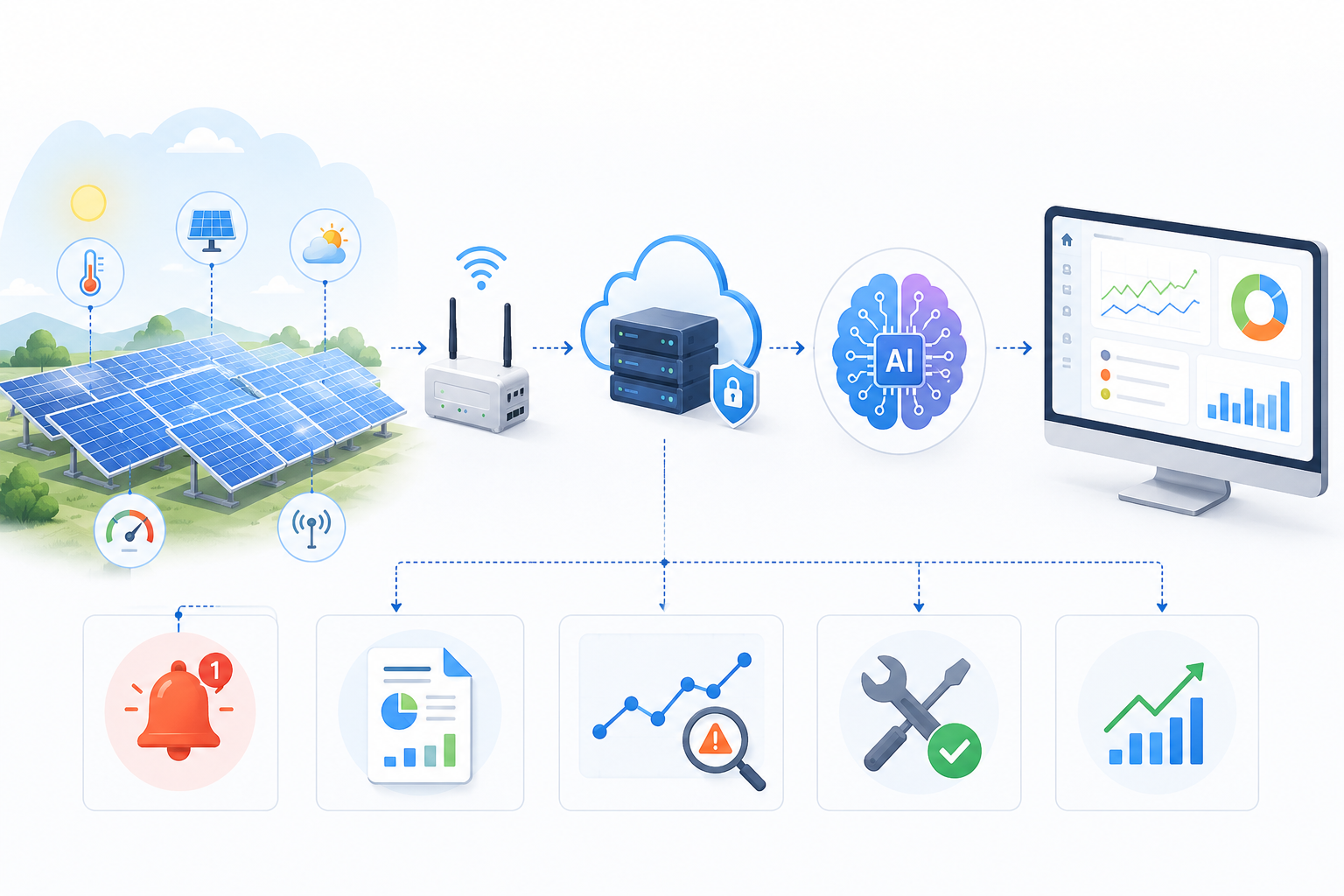
The same approach can also work with physical equipment and connected devices. Data from sensors, machines, wearables, or IoT-enabled hardware can be captured and transferred into a software system, where it can be processed and visualized automatically.
From Raw Data to Automated Insights
Reporting automation does not have to stop at collecting and displaying numbers.
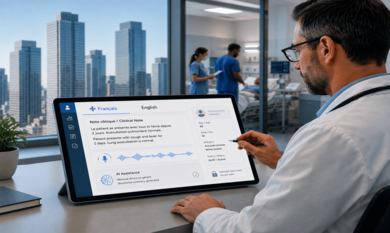
AI can add another layer by helping businesses interpret the information. An AI-enabled system can summarize trends, identify unusual changes, classify information, or generate natural-language explanations of important metrics.
For example, instead of manually reviewing several dashboards, a manager could receive a summary explaining that sales increased while conversion rates declined during a particular period.
For businesses exploring LLM development services Canada, large language models can be incorporated into reporting workflows to support automated summaries, document analysis, natural-language queries, and text-based insights.
This can make reporting systems more interactive. Instead of only viewing charts, users can ask questions about business data and receive information in a more accessible format.
Connecting Software, APIs, and Hardware Data
Modern reporting systems often need to collect information from more than traditional business applications.
A startup may have data coming from:
CRM + ERP + Website + Mobile App + IoT Devices + Sensors + Internal Software
A centralized reporting system can connect these sources through APIs, databases, middleware, or custom integrations.
For hardware-connected businesses, this can be particularly useful. Sensor or machine data can be collected automatically, transmitted to a backend system, processed, and displayed on an operational dashboard.
This creates a complete data pipeline:
Hardware/Data Sources → Integration Layer → Data Processing → Database → Dashboard → AI Insights → Automated Report
Such an architecture can reduce the need for employees to manually collect information from different systems.
When Should a Startup Automate Its Reporting?
Not every report needs a custom automation solution.
A good candidate is usually a report that:
- Is generated frequently.
- Uses repeatable data sources.
- Requires significant manual effort.
- Supports important business decisions.
- Follows a consistent reporting structure.
Startups can begin with one repetitive reporting workflow and expand automation as their requirements grow.
Build or Integrate an Automated Reporting System?
Standard reporting platforms can be useful when reporting requirements are simple and data sources are already supported.
However, more complex workflows may require custom development. This can include specialized API integrations, proprietary databases, hardware connectivity, custom dashboards, role-based access, automated alerts, or AI-powered reporting.
For startups building products or internal systems, startup software development can also help bring reporting capabilities directly into the broader software ecosystem rather than maintaining a separate reporting process.
A custom system can be designed around the company's existing technology stack and can evolve as new data sources, devices, users, and reporting requirements are introduced.
How to Start Automating Manual Reporting
The first step is to map the existing reporting workflow.
Identify where the information comes from, how it is collected, who processes it, what calculations are performed, and who ultimately uses the report.
Then determine which parts can be automated.
A practical implementation can follow this structure:
Identify Data Sources → Connect Systems → Validate Data → Automate Calculations → Build Dashboard → Add AI Insights → Schedule Reports
For advanced use cases, generative AI software development services Canada can support systems that do more than display information. AI-enabled workflows can summarize reports, answer questions about business data, identify patterns, and support automated actions based on predefined conditions.
Conclusion
Manual reporting can become a hidden productivity cost as startups grow. What starts as a simple spreadsheet process can eventually involve multiple systems, employees, databases, APIs, and connected devices.
Automating this workflow can create a more efficient path from raw data to actionable information. Whether the requirement involves business applications, custom dashboards, APIs, IoT devices, or AI-powered analysis, the right software architecture can make reporting more scalable and easier to manage.
Theta Technolabs develops custom software and AI-powered solutions that can connect business systems, automate workflows, integrate data sources, and turn complex reporting requirements into practical digital solutions.
For companies evaluating an AI development company in Canada, the focus should be on identifying the reporting process that consumes the most time and designing an automation workflow around the actual business requirements.
Automate Your Reporting Workflow With Custom Software
If your team is still spending hours collecting data, updating spreadsheets, preparing dashboards, or combining information from different systems, it may be time to automate the process. From API integrations and business dashboards to AI-powered reporting and hardware or IoT data integration, the right software can be designed around your specific workflow. Theta Technolabs can help you turn repetitive reporting processes into connected, scalable software solutions that make data easier to collect, process, understand, and act on. Let’s talk about your reporting workflow and explore how it can be automated.
FAQs
1. What is manual reporting automation?
Manual reporting automation is the process of using software, integrations, APIs, databases, or AI to automate repetitive reporting tasks such as data collection, calculations, dashboard updates, report generation, and distribution.
2. How can reporting automation improve startup productivity?
It can reduce the time employees spend collecting and formatting data, minimize repetitive manual work, improve reporting consistency, and give teams faster access to important business information.
3. What types of startup reports can be automated?
Startups can automate sales reports, marketing reports, financial dashboards, KPI reports, customer analytics, operational reports, inventory reports, product performance reports, and management or investor reporting.
4. Can automated reporting systems integrate with hardware and IoT devices?
Yes. Custom reporting software can collect information from connected devices, sensors, machines, and other hardware through suitable APIs, gateways, or IoT communication systems. The data can then be processed and displayed through dashboards or automated reports.
5. When should a startup consider custom reporting software?
Custom software can be useful when a startup has multiple data sources, specialized reporting requirements, proprietary workflows, hardware integrations, complex dashboards, or AI requirements that cannot be handled effectively by standard reporting tools.